When you’re thinking about buying a Dewalt drill, it’s easy to get confused by the different model numbers and options. Many buyers wonder about the difference between Dewalt Drill 1 vs 2—especially when looking at kit options or the speed settings labeled on the drills themselves. If you’re staring at yellow and black boxes in the store, or clicking through online listings, it can feel overwhelming. Let’s break down what these numbers mean, how they affect your work, and which one is better for your needs.
Understanding Dewalt Drill Model Numbers
Before comparing “Dewalt Drill 1” and “Dewalt Drill 2,” it’s important to know that Dewalt’s drills don’t usually have “1” or “2” as their main model name. Instead, these numbers often refer to either the speed settings on the drill or the kit version (like DCD771C1 vs DCD771C2). Sometimes, buyers also compare the “1” and “2” settings on the drill’s gearbox. Let’s clear up the confusion.
What Do “1” And “2” Mean On A Dewalt Drill?
On most Dewalt cordless drills, especially in their popular 20V MAX line, there is a sliding switch on top labeled “1” and “2.” These numbers stand for speed settings:
- 1 (Low Speed, High Torque): Best for driving screws, drilling larger holes, and working with tough materials.
- 2 (High Speed, Low Torque): Used for drilling smaller holes quickly in softer materials.
But sometimes, product kits use “C1” or “C2” in their names, which refer to the number of batteries included:
- C1: Kit with 1 battery
- C2: Kit with 2 batteries
So, “Dewalt Drill 1 vs 2” can mean gear speed 1 vs 2 or kit with 1 battery vs 2 batteries. We’ll cover both to avoid any confusion.
Dewalt Drill Speed Setting 1 Vs 2
Let’s start by comparing the two speed settings on a typical Dewalt drill. This is the most common context when people ask about “1 vs 2. ”
The Gearbox: What Each Setting Does
Most Dewalt cordless drills have a 2-speed gearbox, controlled by a slider on the top. This is not unique to Dewalt—many quality drill brands offer this feature—but Dewalt’s system is especially intuitive.
Setting 1: Low Speed, High Torque
- RPM Range: Usually 0-450 RPM
- Torque: Higher than setting 2
- Best For: Driving large screws, working with masonry, metal, or hardwood, and any task where you need more twisting force.
- Example: Driving a 3-inch wood screw into a stud.
Setting 2: High Speed, Low Torque
- RPM Range: Usually 0-1500 RPM or higher (model dependent)
- Torque: Lower than setting 1
- Best For: Drilling small holes in soft wood or plastic, and tasks where speed is more important than force.
- Example: Drilling 1/8” holes in drywall for wall anchors.
Comparison Table: Speed Setting 1 Vs 2
Here’s a quick look at the practical differences:
| Feature | Setting 1 | Setting 2 |
|---|---|---|
| Speed (RPM) | 0-450 | 0-1500+ |
| Torque | High | Low |
| Best Use | Driving screws, heavy drilling | Fast drilling in soft materials |
| Battery Life | Lasts longer per task | Drains faster at high loads |
When To Use Each Setting
Choosing the right speed isn’t just about power. It affects drill bit life, work quality, and even safety. Here are two examples:
- Driving Screws into Hard Wood: Use setting 1. The high torque helps the screw bite without stripping the head.
- Drilling Pilot Holes: Use setting 2. The fast rotation makes a cleaner hole in soft materials.
Non-obvious insight: Many beginners use setting 2 for everything, thinking “faster is better.” This wears out your battery and can damage both screws and bits. Always match the setting to your task.
Dewalt Drill Kits: 1 Battery Vs 2 Batteries
The other common meaning of “1 vs 2” is in the kit number. For example, the DCD771C1 (1 battery) and DCD771C2 (2 batteries) are both popular Dewalt drill kits.
What’s Included In Each Kit?
Let’s compare the typical contents:
| Kit Model | Drill | Batteries | Charger | Bag/Case |
|---|---|---|---|---|
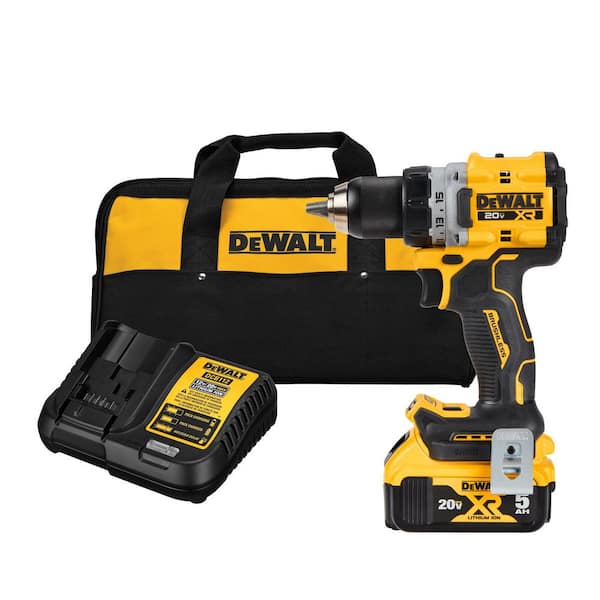
| DCD771C1 | Yes | 1 x 20V MAX | Yes | Yes (soft bag) |
| DCD771C2 | Yes | 2 x 20V MAX | Yes | Yes (soft bag) |
Cost And Value
- 1-battery kits are usually $20–$40 cheaper.
- 2-battery kits cost more up front but save you money compared to buying a second battery later.
When Is One Battery Enough?
If you’re a casual user—hanging shelves, assembling furniture, making small repairs—a single battery might be enough. Dewalt’s batteries usually last 1–2 hours of light use. You can always recharge overnight.
But for serious DIYers, contractors, or anyone working for hours at a time, two batteries are essential. While one battery is in the drill, the other can be charging. This means you never have to stop your project to wait for a recharge.
Real-world Example
Imagine you’re building a deck. With only one battery, you’ll be forced to stop and wait when it dies. With two, you swap and keep working. For pros, this is a must.
Non-obvious insight: Dewalt’s chargers are not “rapid” by default in these kits. Charging a battery can take 30–90 minutes. If you have only one battery, plan your work to avoid downtime.
Key Features Of Dewalt Drills
Understanding the difference between “Dewalt Drill 1” and “Dewalt Drill 2” means looking at more than just speed or batteries. Here are some features that matter in both cases.
Motor Type
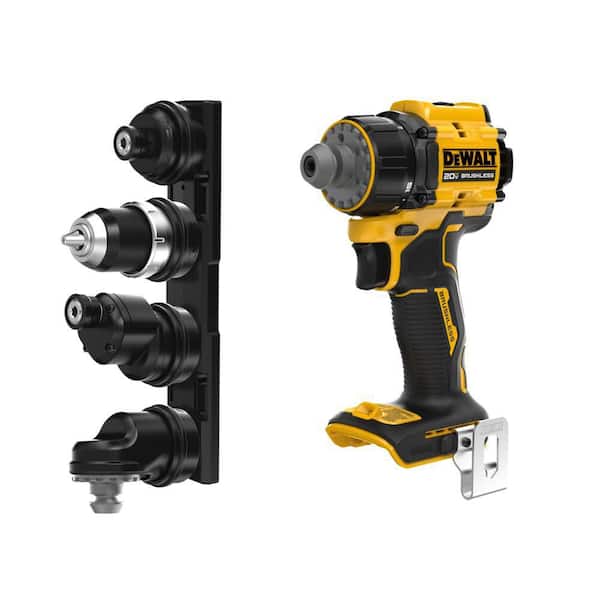
Most Dewalt drills in the affordable range use brushed motors, but the higher-end “XR” or FlexVolt models offer brushless motors. Brushless motors are more efficient, run cooler, and last longer.
- Brushed: Cheaper, good for light work
- Brushless: Higher price, better for heavy/pro use
Chuck Size And Type
Standard Dewalt drills use a 1/2-inch keyless chuck. This fits most common drill and driver bits.
- Keyless chucks: Change bits quickly by hand
- 1/2-inch size: Handles bigger bits for tougher jobs
Clutch Settings
Many Dewalt drills have 15+ clutch settings. This lets you control the driving force, preventing overdriving screws or stripping heads.
Led Work Light
Most Dewalt 20V drills include a built-in LED light just above the trigger. This small feature makes a big difference in dark corners, closets, or under sinks.
Battery Type And Compatibility
Dewalt’s 20V MAX system is cross-compatible: Any 20V MAX battery works with any 20V MAX tool. XR batteries have more amp-hours (Ah), lasting longer per charge.
- 1.3–1.5Ah: Standard kit battery
- 2–5Ah: Longer runtime, heavier
Weight And Balance
The difference between 1 and 2 battery kits can affect weight: carrying a spare battery adds ounces. Dewalt drills are known for good balance, making them easier to use for long periods.
Credit: www.homedepot.com
Practical Scenarios: Which Dewalt Drill Setting Or Kit Is Right For You?
Let’s look at common use cases to help you decide which option fits your needs.
Homeowner Or Occasional Diy
If you hang pictures, assemble IKEA furniture, or do small repairs, a single battery kit is usually enough. Use speed setting 2 for fast drilling in wood or drywall, and switch to setting 1 for screws or tough jobs.
Hobbyist Or Woodworker
For more frequent projects—building shelves, working with hardwood, or making furniture—choose a 2-battery kit. This lets you work without interruption. Use setting 1 for driving screws or drilling large holes, and setting 2 for clean, fast drilling.
Professional Contractor
If you’re on the job site all day, always go with two batteries (or more). You’ll need both speed settings: setting 1 for heavy-duty tasks and setting 2 for speed. Consider upgrading to a brushless model for even better performance and durability.
Unexpected Tasks
Sometimes, even light users need more battery life. For example, if you’re helping a neighbor with a big task or doing a home renovation, having two batteries can save a lot of time.
Dewalt Drill 1 Vs 2: Real-world Performance
Here’s a hands-on example to show why the right setting and battery count matter:
- Test 1: Driving 3-inch deck screws into pressure-treated wood.
- Setting 1: The drill can push the screw all the way in without straining or cam-out (slipping).
- Setting 2: The drill struggles, motor heats up, and the screw head may strip.
- Test 2: Drilling 1/8” holes through pine boards.
- Setting 1: The hole is slower and can cause wood splitting.
- Setting 2: Clean, fast hole with less effort.
Unexpected insight: Some users forget to switch back to setting 1 after fast drilling. This leads to stripped screws and frustration when the drill can’t deliver enough torque.
Credit: www.homedepot.com
Battery Life And Charging: What To Expect
Dewalt’s standard 20V MAX battery (1.3–1.5Ah) lasts about 40–60 minutes of continuous drilling, depending on the task. Heavier work drains the battery faster, especially in high-torque settings.
Charging Times
- Standard charger: 60–90 minutes for full charge
- Fast charger (sold separately): As little as 30 minutes
If your kit comes with only one battery, you’ll be waiting between tasks. Two batteries let you swap instantly and keep working.
Battery Care Tips
- Avoid deep discharges: Recharge before the battery is fully dead to extend its life.
- Store at room temperature: Extreme heat or cold can damage lithium-ion batteries.
- Rotate batteries: If you have two, use them both regularly to keep them healthy.
Price Differences: Dewalt Drill 1 Vs 2
One of the main reasons buyers debate between 1 and 2 batteries is price. Here’s what you can expect:
- 1-battery kit: Usually $99–$129
- 2-battery kit: Usually $139–$179
- Extra battery (if bought later): $40–$60
Smart tip: Buying the 2-battery kit up front is almost always cheaper than adding a second battery later.
Durability And Warranty
Dewalt drills are known for reliability. Both 1- and 2-battery kits come with Dewalt’s standard 3-year limited warranty, 1 year of free service, and a 90-day money-back guarantee.
Key point: Warranty is tied to the tool, not the number of batteries. However, having a second battery can help you keep working if one fails under warranty service.
Dewalt Drill 1 Vs 2: Common Mistakes To Avoid
- Using the wrong speed setting: Don’t use setting 2 for tough jobs—it strains the motor and wears out bits.
- Assuming you won’t need a second battery: Even for light users, projects can take longer than expected.
- Ignoring battery care: Letting batteries drain completely or storing in hot cars can shorten their life.
- Not checking compatibility: Make sure extra batteries are the same voltage (20V MAX) and fit your drill.
User Reviews And Feedback
Many buyers who choose the 2-battery kit say it’s one of their best tool investments. They mention how they never have to stop work to recharge. Users who buy the 1-battery kit often return later to buy a second battery after running out of power mid-task.
Some users say they didn’t understand the speed settings at first. After learning, they found their bits lasted longer and their work looked more professional.
How To Decide: A Quick Guide
If you’re still unsure, here’s a simple decision path:
- Light, occasional work? 1 battery may be enough.
- Regular or big projects? Always buy 2 batteries.
- Need long runtime? Consider higher Ah batteries.
- Need power for tough jobs? Use speed setting 1.
Alternatives: Other Dewalt Models
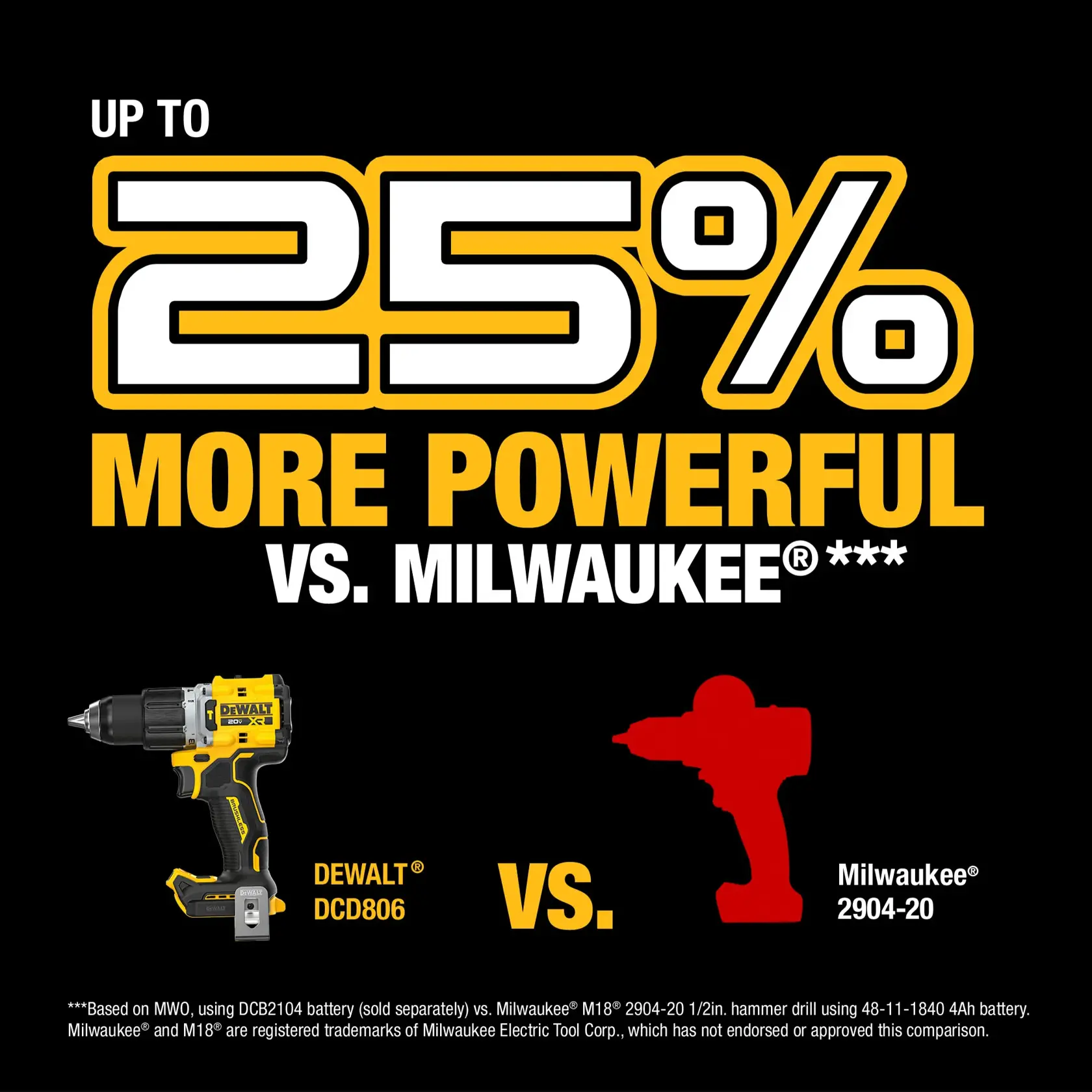
If you need more power, Dewalt offers brushless drills and hammer drill options. These can cost more but offer longer life, more torque, and better battery efficiency. For very heavy work (concrete, masonry), consider a hammer drill model.
Expert Recommendation
For most users, the Dewalt DCD771C2 (2 batteries) is the best value. It’s powerful, reliable, and you won’t get stuck mid-project. Always use the right speed setting for your task, and take care of your batteries for the longest life.
For more details on Dewalt’s tool lines and battery technology, check the DeWalt Wikipedia page.
Credit: www.dewalt.com
Frequently Asked Questions
What Is The Main Difference Between Dewalt Drill 1 And 2?
Most often, “1” and “2” refer to the speed settings on the drill. Setting 1 gives high torque for tough jobs, while setting 2 is for faster drilling in soft materials. If you’re looking at kit numbers, “C1” means 1 battery, “C2” means 2 batteries.
Can I Upgrade From 1 Battery To 2 Batteries Later?
Yes, you can buy extra Dewalt 20V MAX batteries separately. However, it’s usually cheaper to buy the 2-battery kit up front. The batteries are cross-compatible with other Dewalt 20V MAX tools.
Does Using Setting 2 Wear Out My Drill Faster?
Using setting 2 for the wrong jobs (like driving large screws) can put extra stress on the motor and bits. Always use setting 1 for high-torque tasks to keep your drill in good shape.
Will A Bigger Battery Make My Drill More Powerful?
A higher amp-hour (Ah) battery gives your drill longer runtime, but not more torque or speed. Power is determined by the motor, not the battery size.
Are Dewalt Drill Kits With 2 Batteries Heavier?
The drill itself is the same weight. Carrying a spare battery in your bag adds a few ounces, but the difference is minor and worth it for the extra runtime.
In summary, understanding Dewalt Drill 1 vs 2 is about knowing both the speed settings on the tool and the kit options available. Matching the right drill, setting, and battery count to your needs will help you get the best results from your Dewalt investment—whether you’re a weekend DIYer or a busy pro.